Importing Packages
Migrate packages from another NuGet feed into a Feedz repository in one operation. Feedz queries the source feed, downloads every version of every package, and imports them server-side.
Starting an import
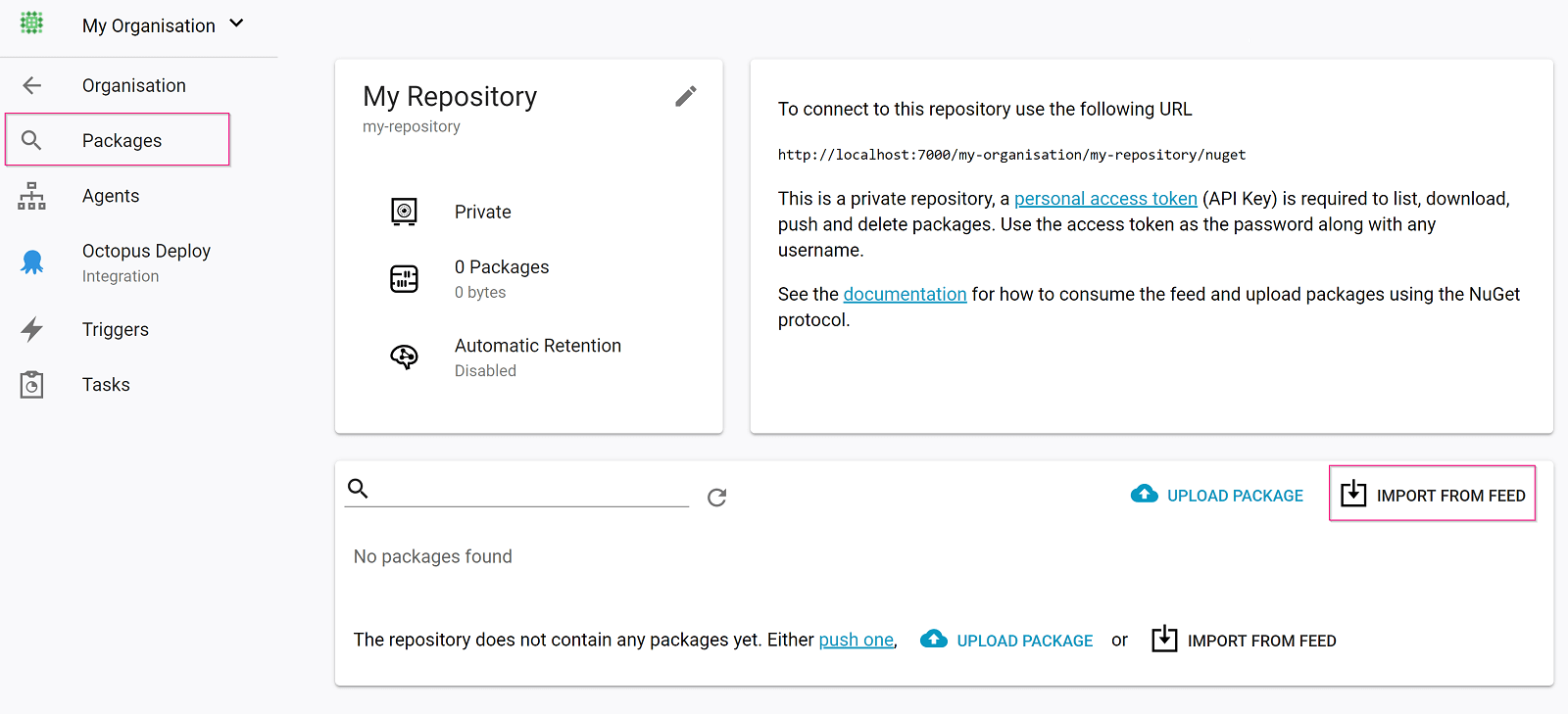
The import option is on the package search page of any repository. Click Import from feed to open the dialog.
Enter the source feed URL and credentials:
- Feed URL — any NuGet v2 or v3 source
- Username / Password — leave blank for public feeds; for API-key-only feeds, enter the key as the password and any non-empty string as the username
If the source feed has upstream proxying enabled, the import will pull every package the source feed can see — including all proxied packages. Disable proxying on the source feed before importing to avoid importing more than intended.
How the import works
Feedz queries the source feed for all available packages and imports all versions. During the import:
- Packages that fail to download or import are skipped and logged as warnings
- The import stops if your storage limit is exceeded
- Imports count as uploads, not transfers — they do not affect your transfer limit